How it works
Activate. Scan. Reunite.
A software subscription that gives every item a secure digital identity, with printable QR label templates so lost things have a calm, private way home.
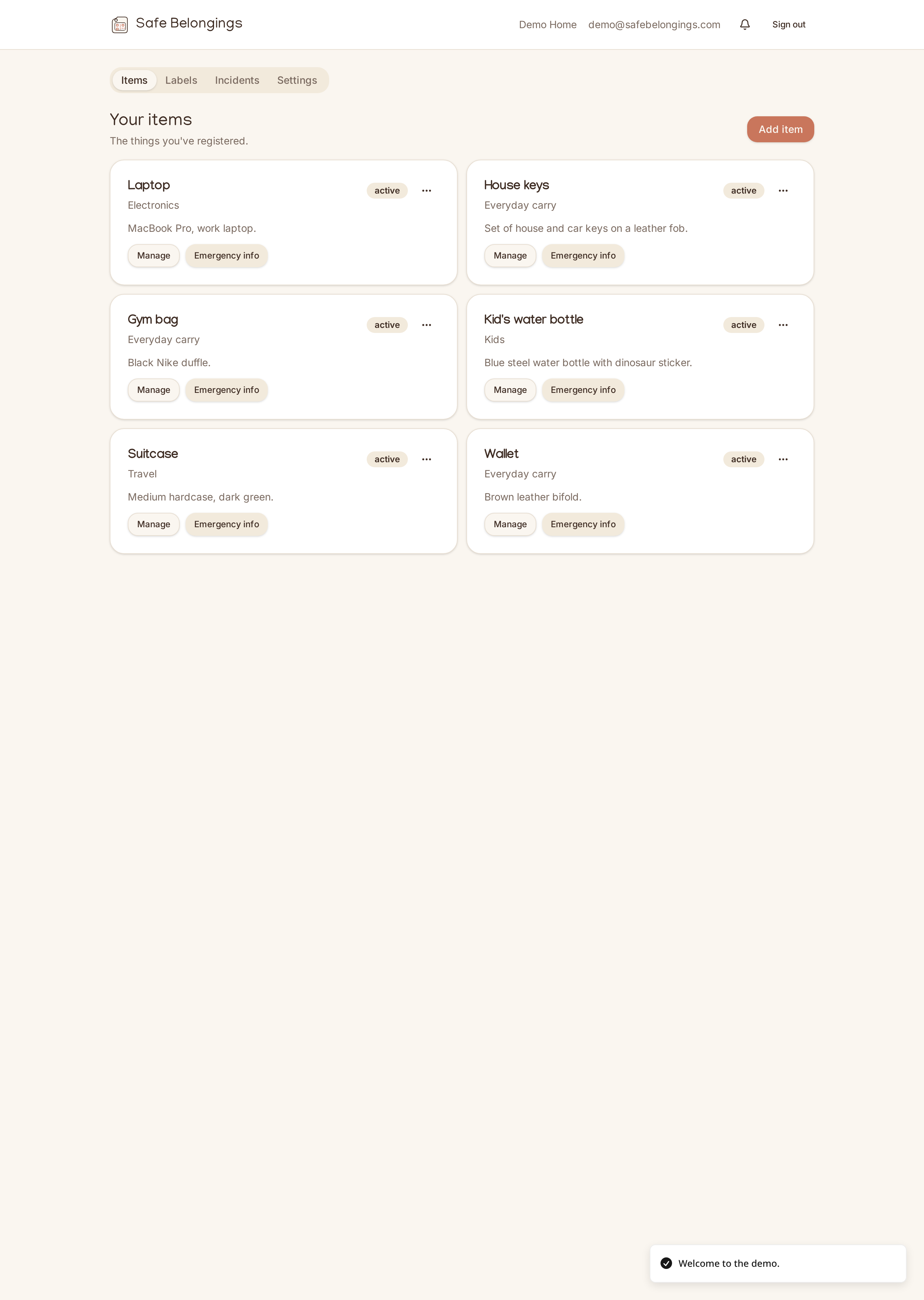
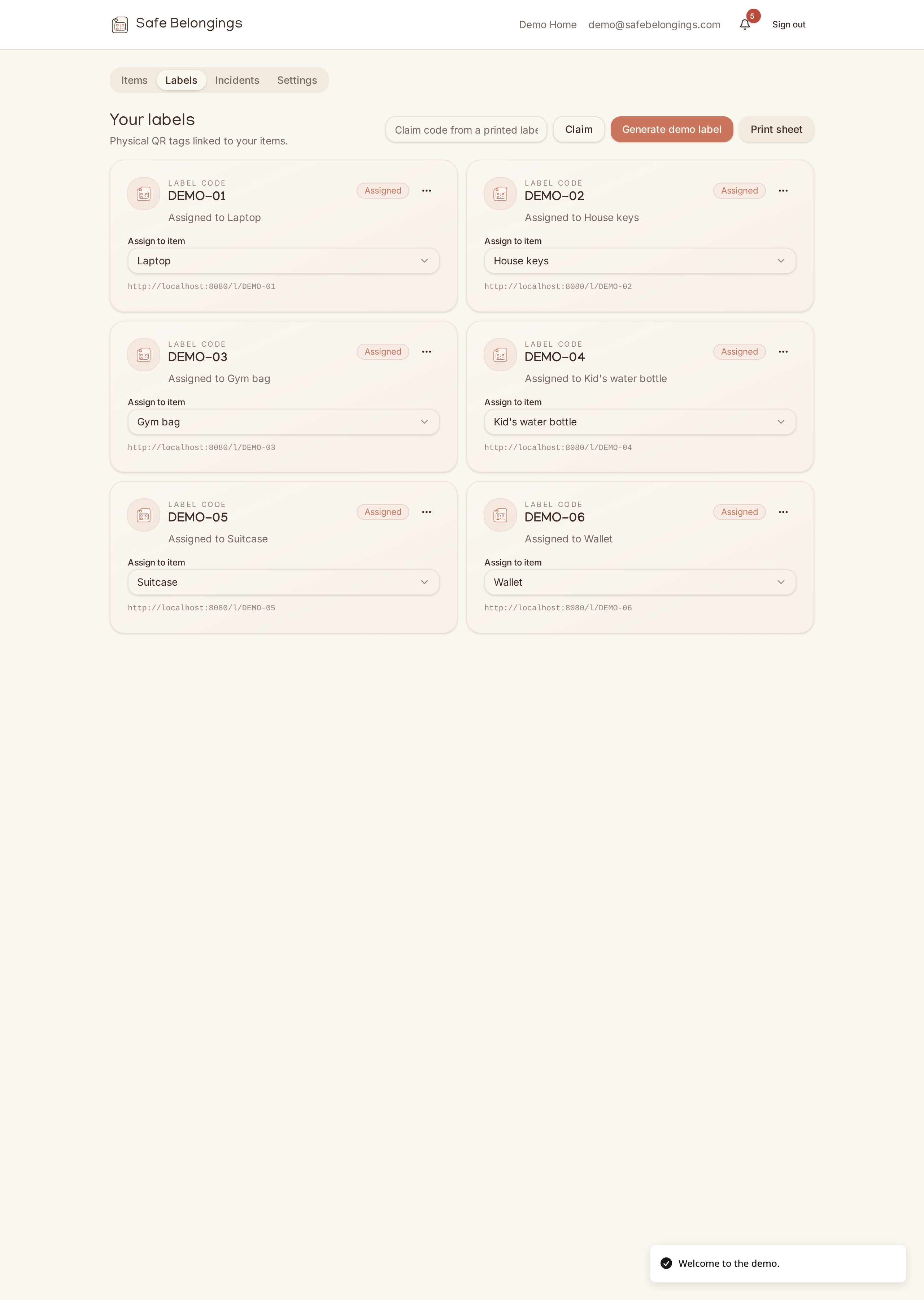
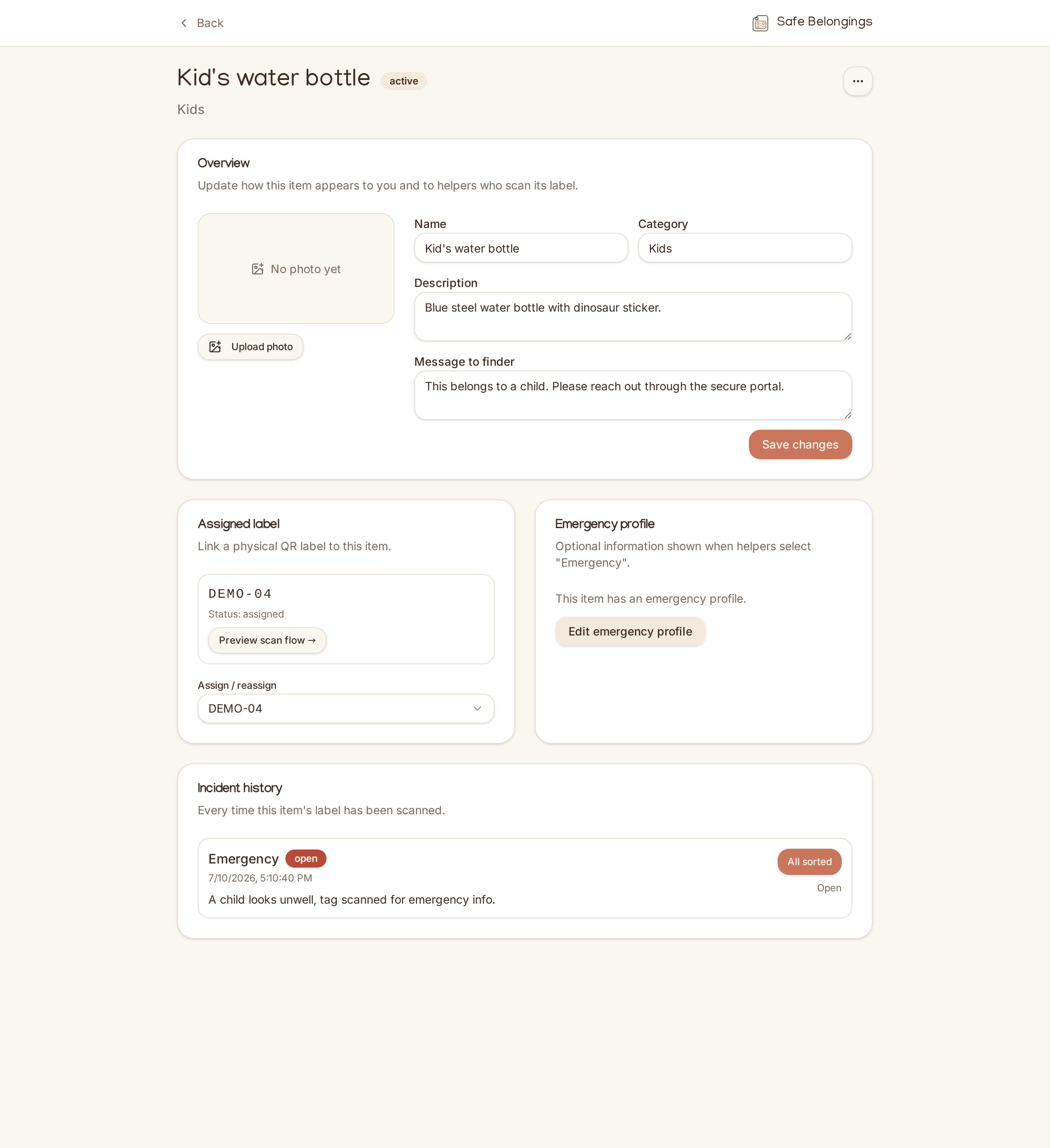
Your items, in one calm place.
- 1
Activate an item
Subscribe, then activate a digital identity for any item: laptop, keys, scooter, favourite jumper, kids' lunchbox, suitcase. One digital identity per item, reassignable over time.
- 2
Print your QR label
Download the PDF label template from your dashboard and print it at home or through any printer or label supplier you choose. Safe Belongings does not currently print or ship physical labels.
- 3
A helper scans it
Anyone can scan the QR with their phone camera. No app to install. They see only what you chose to share, plus a way to message you privately.
- 4
You get notified securely
You get an instant email (and SMS on paid plans). Reply through the secure portal. Your phone number and email stay hidden from the helper.
- 5
Reunite on your terms
Coordinate handover in the portal. When the item's home, close the incident. The portal link expires. Nothing about you is left behind.
Glossary
- Item
- Any physical belonging you activate on the platform.
- Digital identity
- The secure record we create for that item.
- QR label
- A printable representation of a digital identity.
- Return portal
- The private temporary page a helper uses to message you.
- Subscription
- Your access to the Safe Belongings software platform.
Frequently asked
- Does the helper need an app?
- No. Any modern phone camera opens the QR link in a browser. It's designed to work for absolutely anyone who finds the item.
- What if I lose the item and never get it scanned?
- You can mark items as missing from your dashboard. If someone later scans, they see your message to helpers straight away.
- Can digital identities be reused?
- Yes. Unassign an identity from one item and reassign it to another. The QR label template travels with the identity.